Filter Menu
Apply filters to the table, click close when done
No filters applied
Aug 29, 2025

More ways to search transactions
Mercury now lets you search transactions across your accounts using natural language in addition to filters. Simply type questions or criteria like “all transactions over $1K in the past 30 days” into the search bar for instant, AI-powered results.
Aug 21, 2025
Branding your invoices
Mercury Invoicing lets you personalize your invoices with your logo and preferred color theme for free. If you've already uploaded your logo to your Mercury profile, we'll even automatically add it to your invoices. To create your invoice template, head over to Invoicing in your left nav, and click Customize Template.
Aug 20, 2025
Let employees code their own transactions
Does your crew ever forget to categorize their spend? Now you can require categories on transactions just like you can with receipts. We'll even automatically nudge your team to code their expenses, giving you more detailed data on how and where spend is happening.
Aug 19, 2025

Start saving 15% on Mercury Pro or Plus
There's now a more cost-effective way to get the added benefits of Mercury Plus and Pro. Annual plans include a 15% discount — the equivalent of nearly two months free. To subscribe, head to the Plan & Billing page, click Manage and View All Plans and select the right plan for you. Don't forget to toggle on Pay Annually for that 15% discount.
Aug 15, 2025
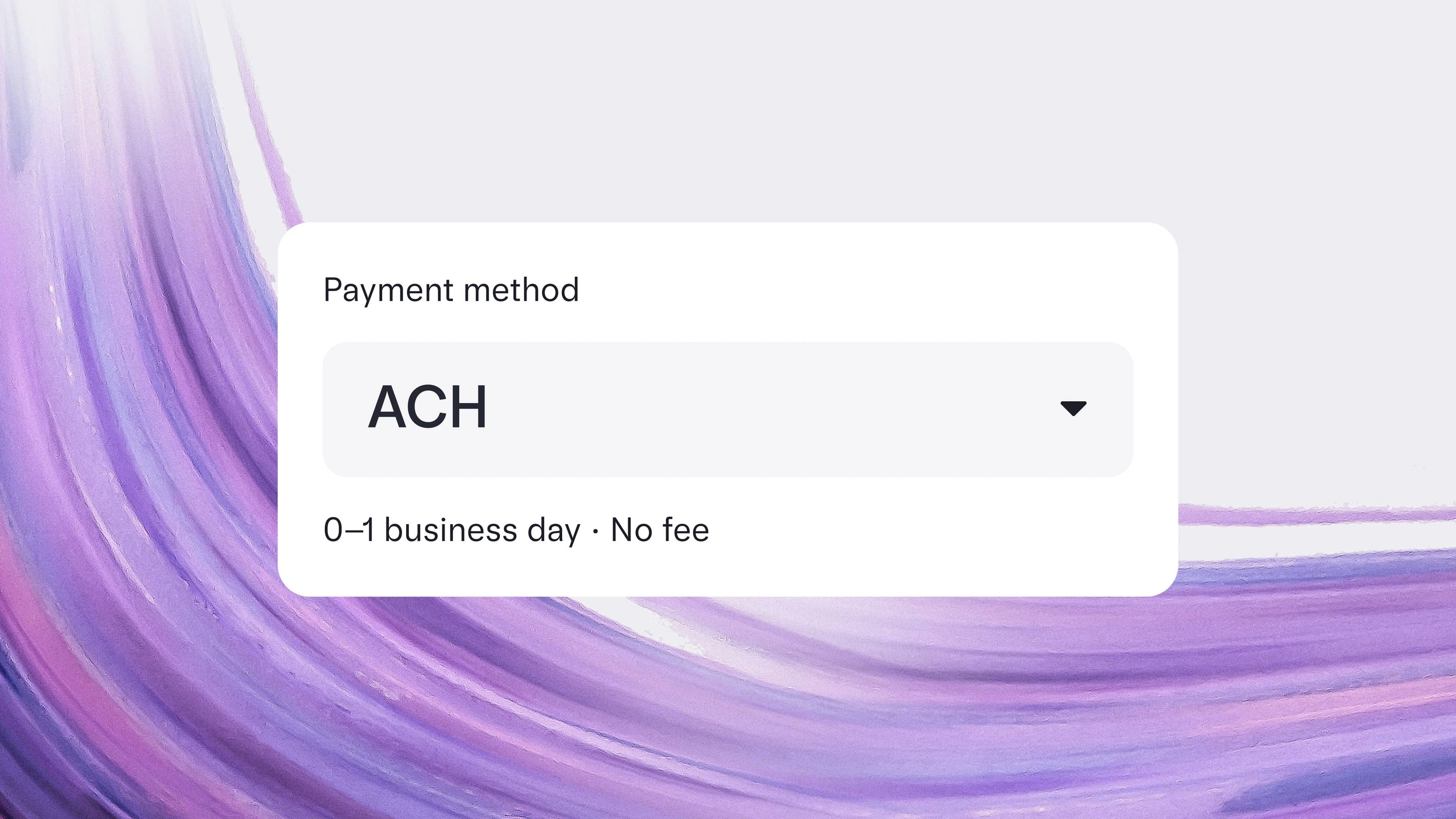
Sending free same-day ACH payments
Like USD wires, ACH payments are free on Mercury. And if you send an ACH before 12:00pm PT during business hours funds typically post that same afternoon. Since most recipient banks charge less for ACH payments compared to wires, that means faster payroll, vendor payments, and customer refunds for you. If your payment doesn't qualify for same-day ACH, we'll send it as a next-day payment.
Aug 1, 2025
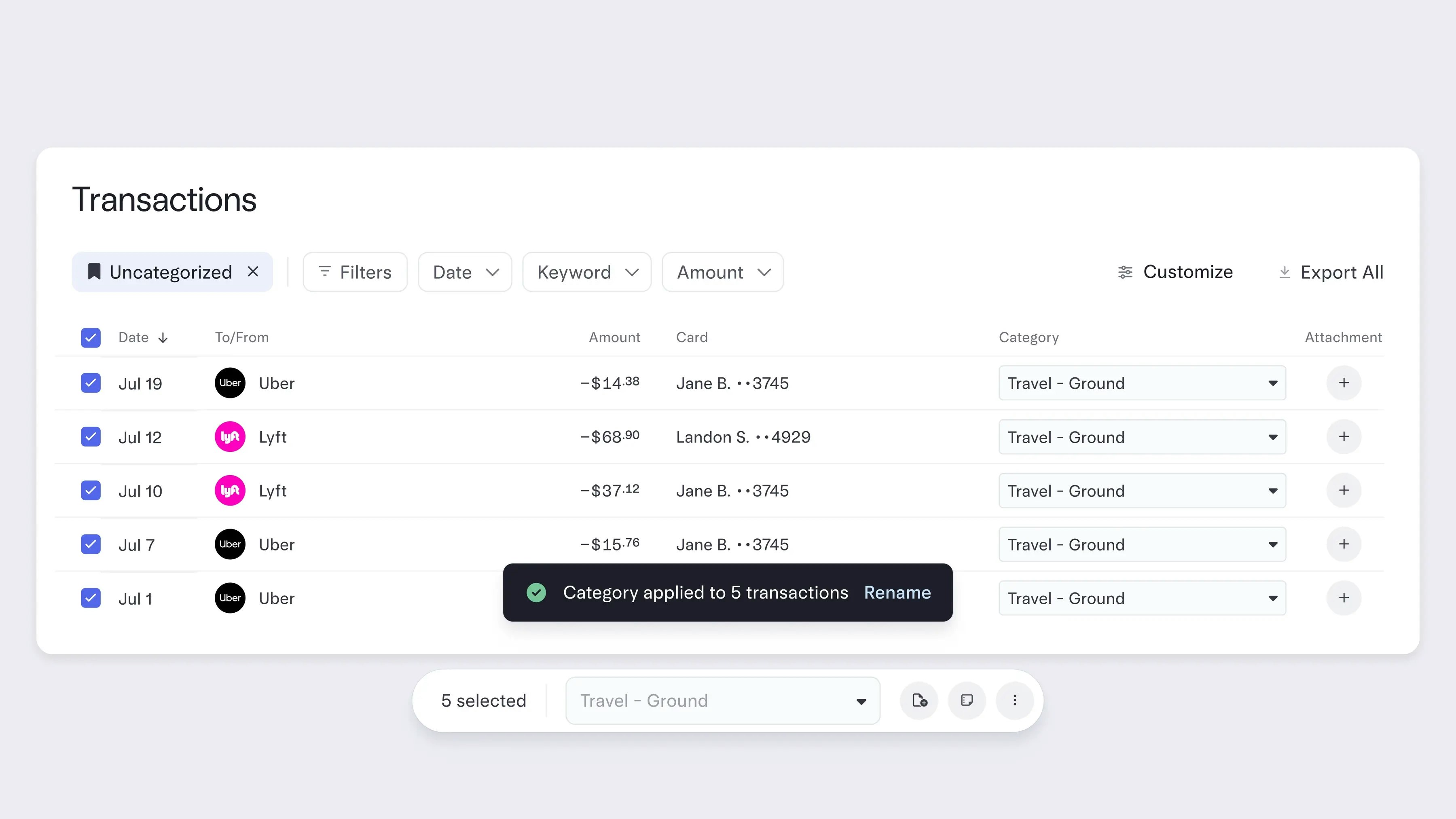
Categorizing transactions in bulk
Now you can bulk edit categories and GL codes across multiple transactions at once on your Transactions page. Clean up and enrich your data in seconds, not hours — and streamline your month-end close.
This joins our recent Transactions page upgrades, including real-time cashflow graphs, interactive money movement breakdowns, spreadsheet-style controls, and one-click Data Views. Your Transactions page is now a single source of financial truth that helps you make business decisions faster.
Check out our blog post for a deep dive on what else is new to your Transactions page.
To make light work of cleaning up your transaction data, head to your Transactions page and select the boxes of the transactions you wish to edit, then select the GL code or category in the field below.
This joins our recent Transactions page upgrades, including real-time cashflow graphs, interactive money movement breakdowns, spreadsheet-style controls, and one-click Data Views. Your Transactions page is now a single source of financial truth that helps you make business decisions faster.
Check out our blog post for a deep dive on what else is new to your Transactions page.
To make light work of cleaning up your transaction data, head to your Transactions page and select the boxes of the transactions you wish to edit, then select the GL code or category in the field below.
Jul 18, 2025
Managing your money on mobile just got better
Many updates landed in the mobile app this month:
To make the most of your mobile experience, update your app using the links above.
- Sending international wires on the go (available on iOS and Android)
- Saving reimbursements as drafts so you can come back to them later — switch between mobile and desktop
- Passkey login for Android users, for even stronger account security
To make the most of your mobile experience, update your app using the links above.
Jul 10, 2025
Initiating reimbursements from your inbox
Now you can submit expenses for reimbursement directly from your inbox by emailing receipts to reimbursements@mercury.com. We’ll automatically extract amounts, merchants, and dates — then send you a link to review and submit in your Mercury account.
No third-party apps. No photos to upload. Just send us your receipts, and most of your work is done.
No third-party apps. No photos to upload. Just send us your receipts, and most of your work is done.
Jun 15, 2025
Jun 15, 2025
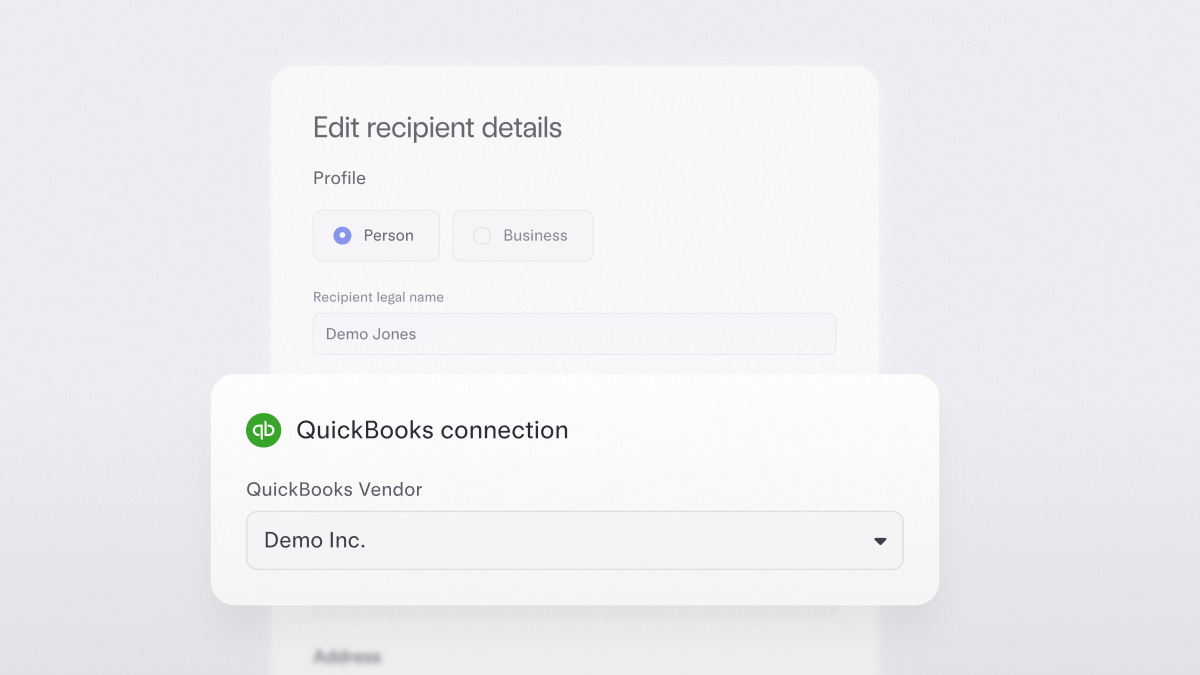
Syncing vendor details with ease
No more jumping between platforms to fix a name or match a record. As you create recipients or make bill payments in Mercury, you can also match vendor details or create and sync new vendors to QuickBooks Online or NetSuite. That means fewer duplications, cleaner 1099s, and more confident books
Available for customers that have integrated Mercury with QuickBooks Online or NetSuite.
Available for customers that have integrated Mercury with QuickBooks Online or NetSuite.
51–60 of 81