Filter Menu
Apply filters to the table, click close when done
Mobile
+1 more
Mobile
Oct 10, 2025
Updates to your mobile experience
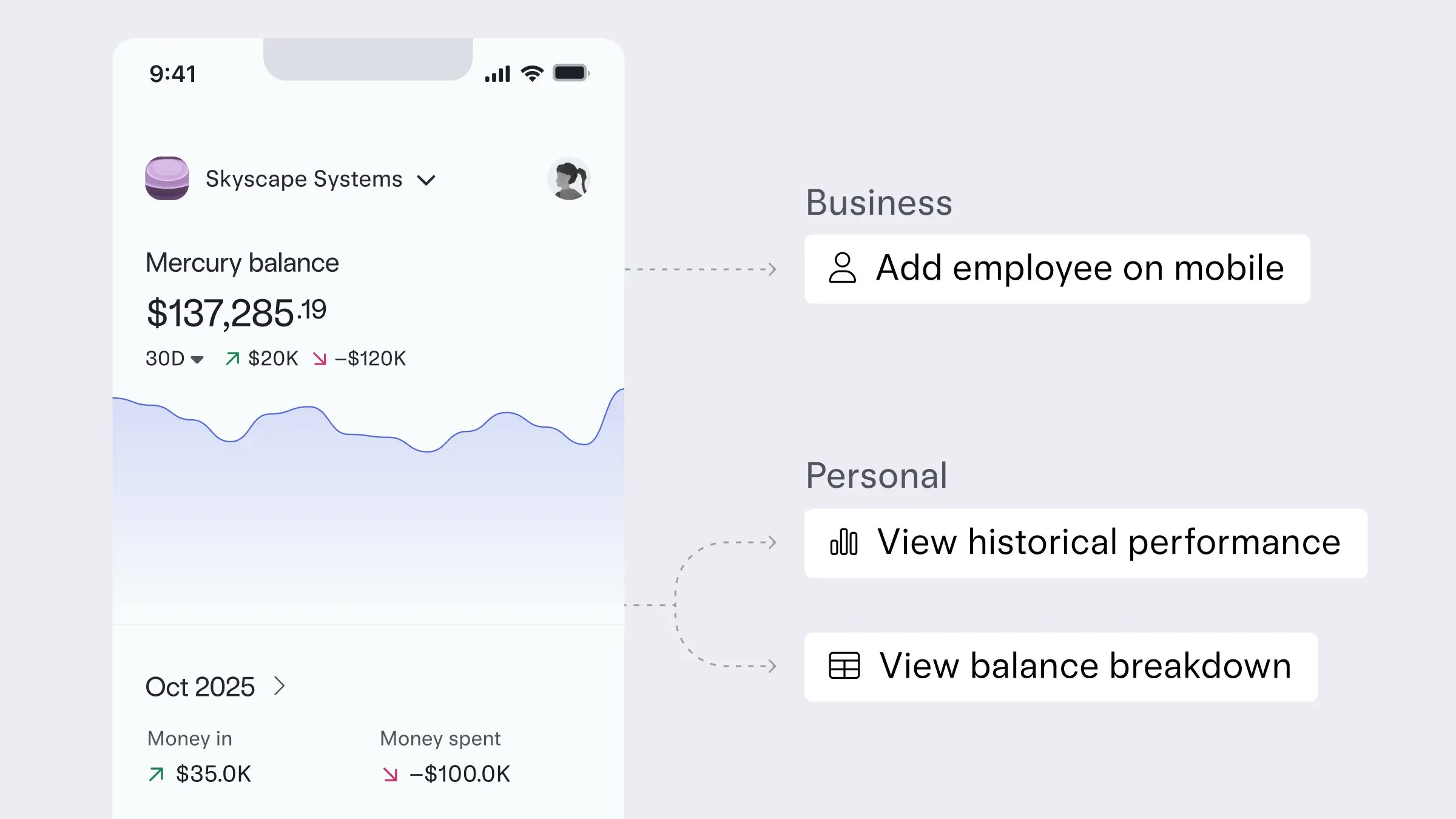
More control, right in your pocket. From your business banking dashboard, you can now add Admins and Employees directly on the iOS or Android app — perfect for quick team updates on the go. If you’re using Mercury Personal, you’ll now see your Invest portfolio’s performance over time and a visual breakdown of your balance — including deposits and withdrawals, all in one clean view (currently for iOS users only).
Learn about more ways to manage your finances from the Mercury mobile app here.
Learn about more ways to manage your finances from the Mercury mobile app here.
Jul 18, 2025
Managing your money on mobile just got better
Many updates landed in the mobile app this month:
To make the most of your mobile experience, update your app using the links above.
- Sending international wires on the go (available on iOS and Android)
- Saving reimbursements as drafts so you can come back to them later — switch between mobile and desktop
- Passkey login for Android users, for even stronger account security
To make the most of your mobile experience, update your app using the links above.
May 1, 2025
Going dark (mode) on web
Whether you're reviewing metrics over morning coffee or fine-tuning burn rate after hours, your dashboard now adjusts to your rhythm. Switch to dark mode for a more focused, low-glare experience — all the same data, just easier on the eyes.
If your system settings are already set to dark mode, your Mercury dashboard should have already followed suit automatically. To switch between system, dark, and light modes, click on your profile in the top right corner of your dashboard, hover over “Appearance”, and select a theme.
If your system settings are already set to dark mode, your Mercury dashboard should have already followed suit automatically. To switch between system, dark, and light modes, click on your profile in the top right corner of your dashboard, hover over “Appearance”, and select a theme.
May 1, 2025
Adding Mercury widgets to your home screen
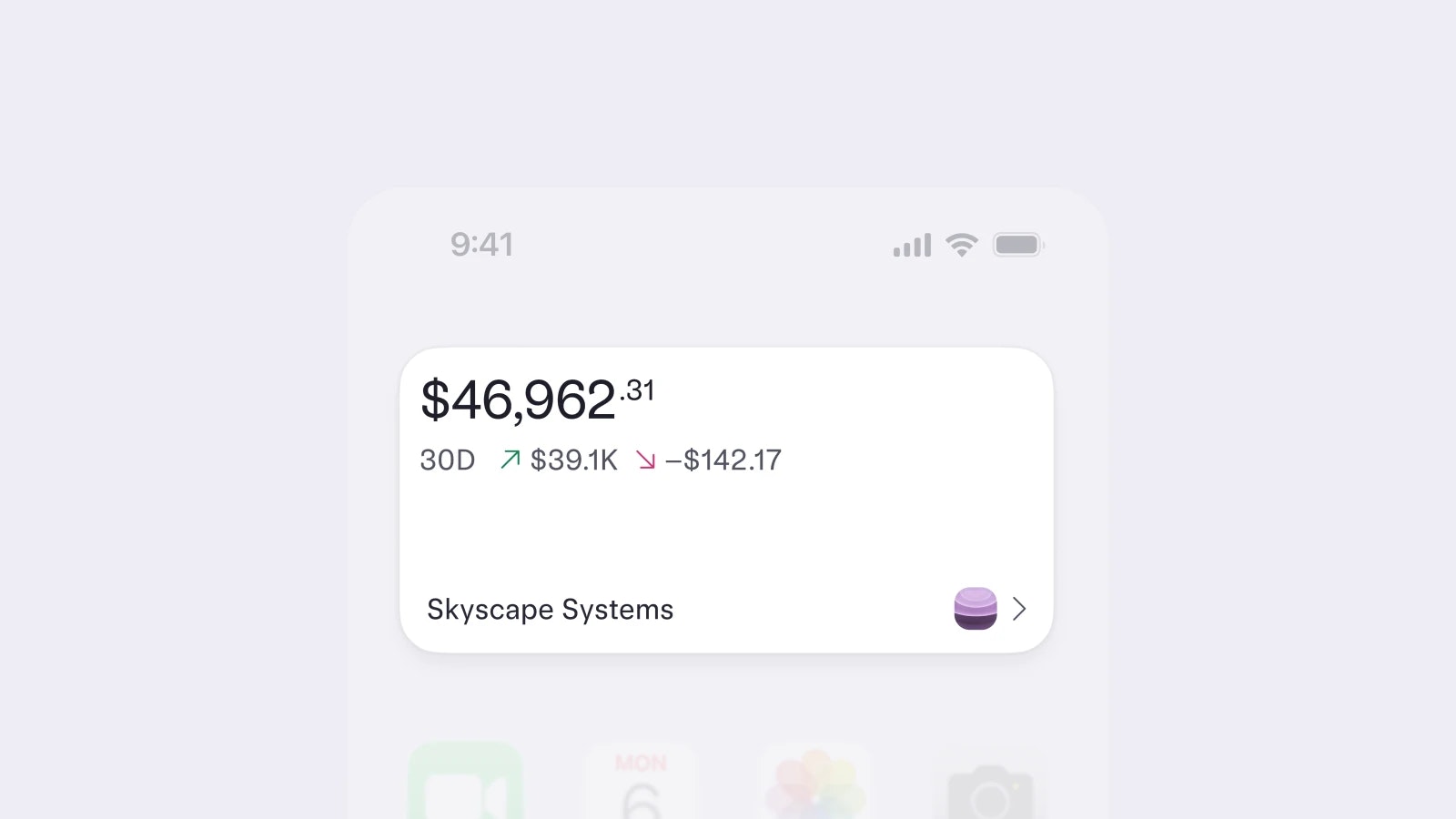
iOS Mercury widgets have arrived. Now you can see your total balance, specific account balances, or pending tasks without opening the app.
Just update to the latest version of the Mercury iOS app (5.2.0 or later) and make sure you're on iOS 17 or later. To add a widget, long-press your home screen, tap Edit > Add Widget, search Mercury, and choose the view you want.
Just update to the latest version of the Mercury iOS app (5.2.0 or later) and make sure you're on iOS 17 or later. To add a widget, long-press your home screen, tap Edit > Add Widget, search Mercury, and choose the view you want.
Mar 15, 2025

iOS: Upload receipt images to Mercury with a nifty shortcut
Our iOS app users can now upload receipts to Mercury directly from their Photos app. When you have a file to upload, just tap the share icon in the bottom left corner and select Mercury from the app selection. From there, we’ll match it to the right transaction automatically.