Filter Menu
Apply filters to the table, click close when done
Business
+1 more
Business
Dec 29, 2025

Try Mercury’s MCP with your preferred AI
You can now use Mercury MCP (Model Context Protocol) to securely connect your Mercury account to AI tools like ChatGPT and Claude. Ask questions about your finances and explore your data directly in your preferred AI model, no exports required. Built with OAuth and multi-factor authentication, MCP matches the security of your Mercury dashboard with read-only access.
Dec 22, 2025
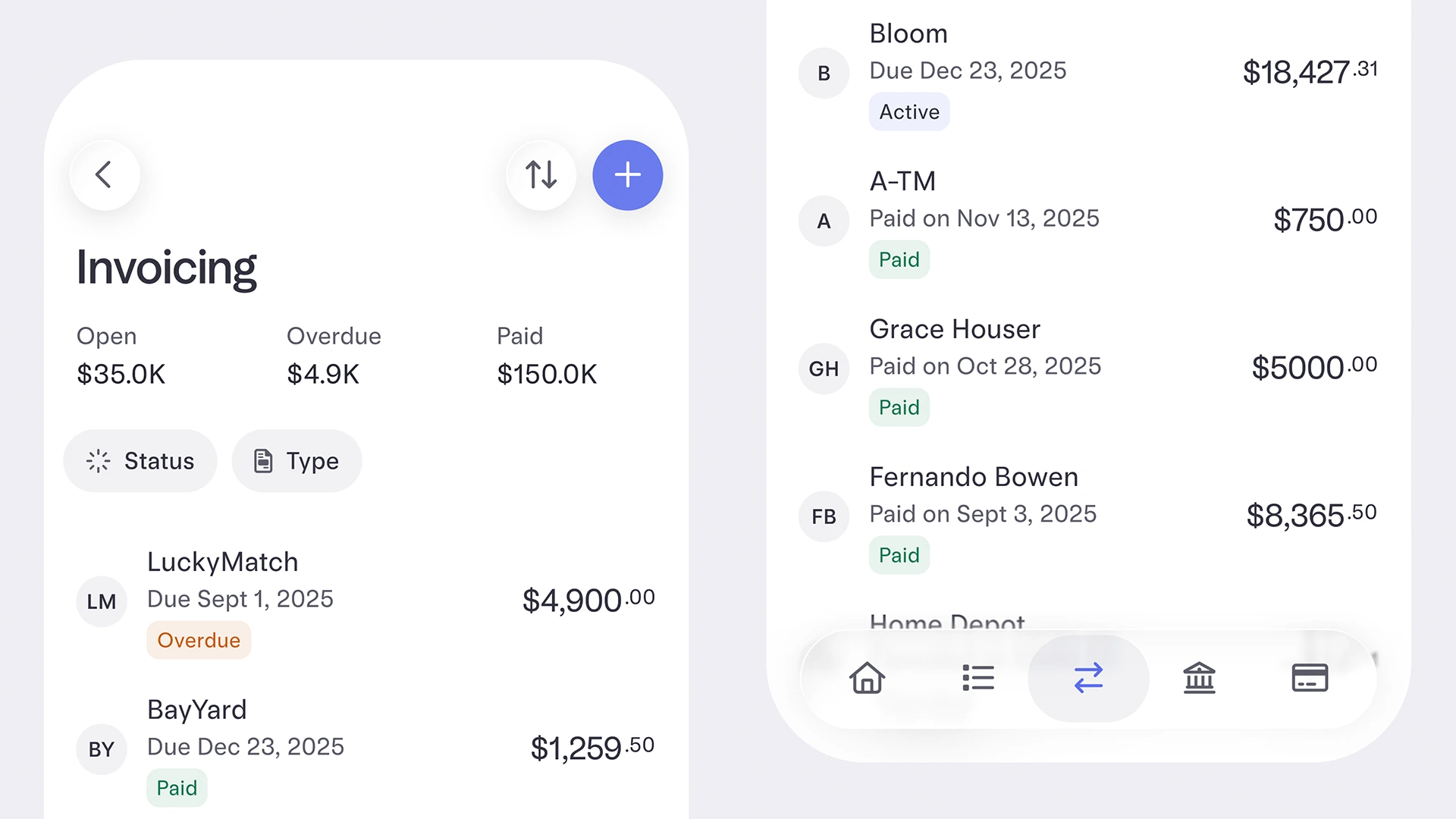
Invoice tracking on your phone
Running your business on the go just got a little easier. Now, you can track invoices you’ve sent from your account right in your Mercury app. Just head to the Move Money tab in the mobile app (you'll need the most recent version), and you’ll be able to send payment links and track invoices in one place.
Dec 15, 2025
Payment Requests moved to the Invoicing Page
Payment Requests moved to the Invoicing Page, a single place where you can create and send invoices, request payments via link, and track all your outstanding payments.
Dec 15, 2025
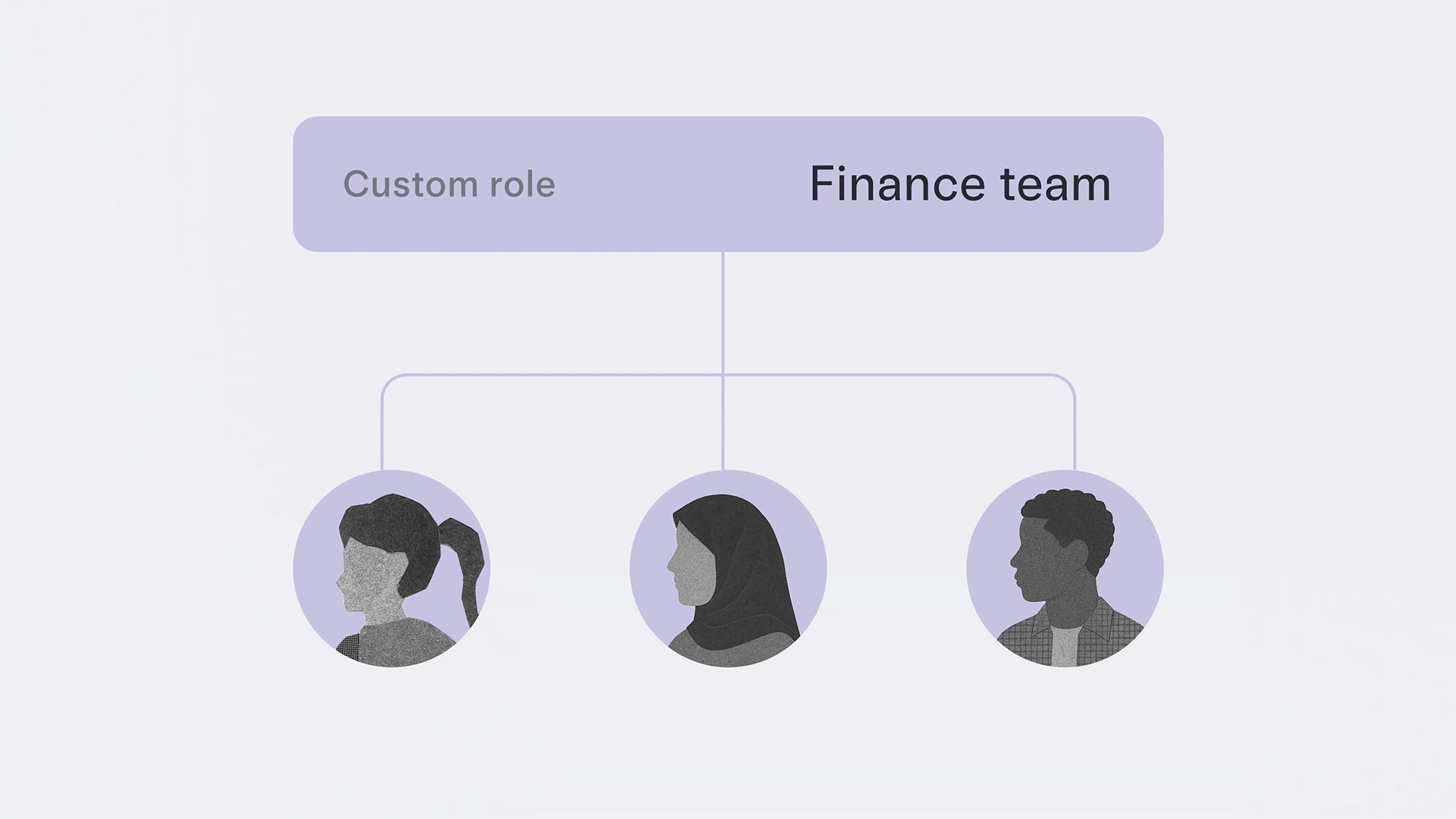
Custom roles for how your business works
No two businesses are the same, but banking has traditionally locked you into a one-size-fits-all approach to roles and permissions. With Mercury, you can now create and reuse custom roles to fine-tune exactly what your team can access and what actions they can take. We’ve also added a new Approvals permission so teammates who aren’t full admins can approve payments and reduce bottlenecks.
Nov 17, 2025
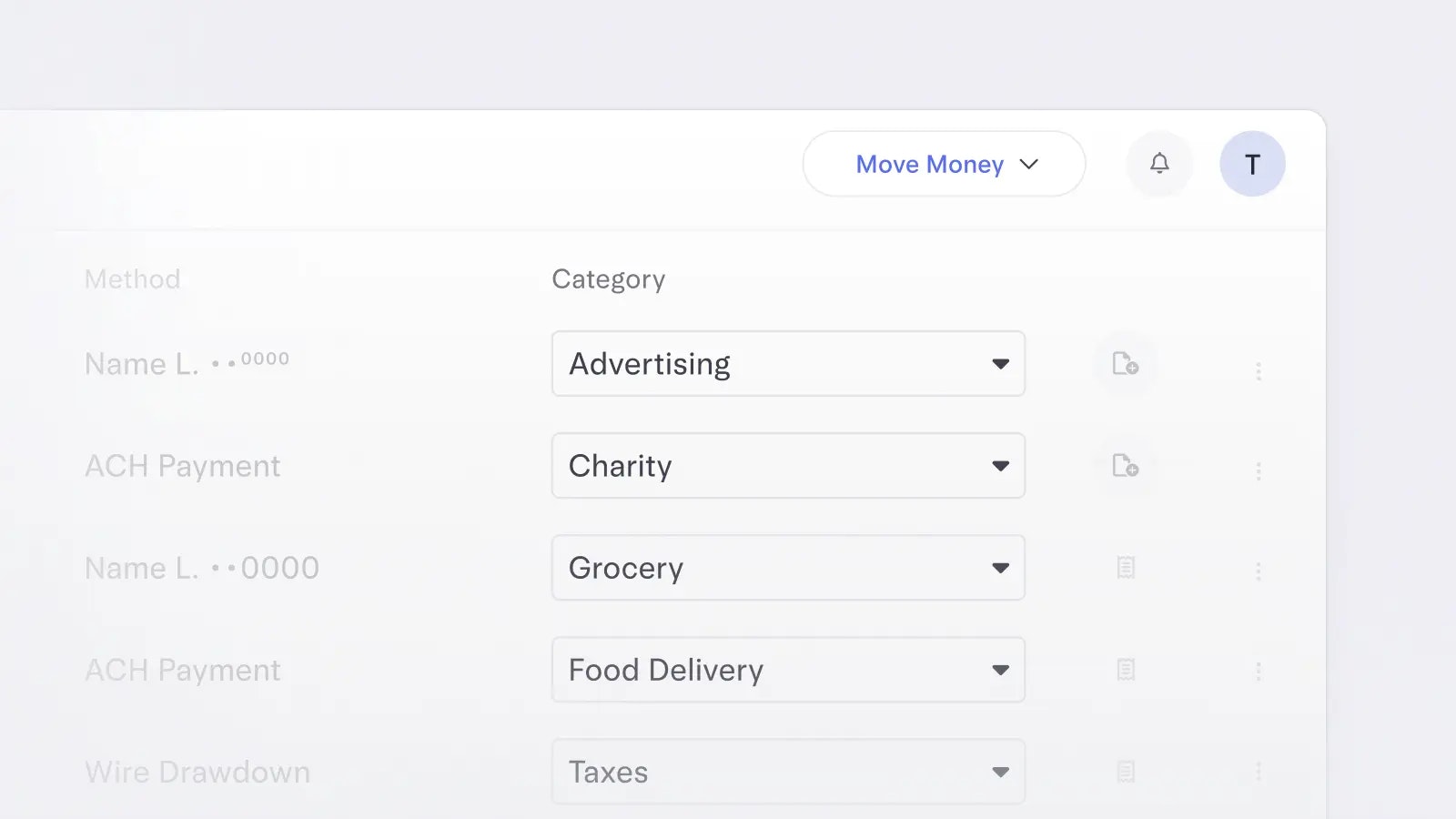
Grouping transactions into categories
Grouping transactions into specific categories in your Mercury account gives you another layer of financial insight. Even if you haven’t connected your accounting software yet, you can still use categories to know exactly what your money is doing and where it’s going.
Nov 13, 2025
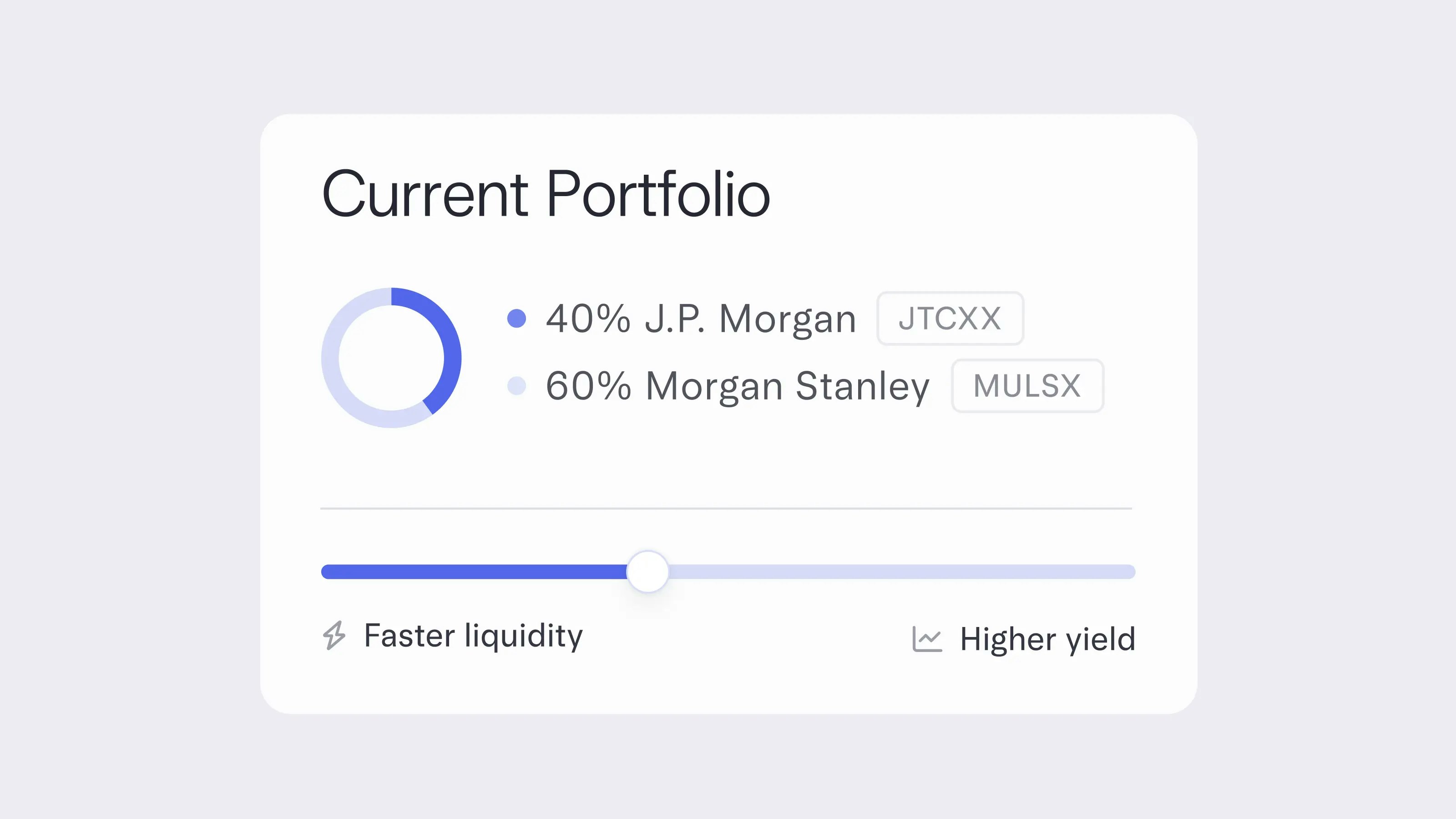
Aim even higher with Mercury Treasury
Mercury Treasury just leveled up. We’ve upgraded to JTCXX, a higher share class of the JPMorgan U.S. Treasury Plus Money Market Fund, which earns a higher yield while keeping same-day liquidity. You can now fine-tune your portfolio in 10% increments and choose your own twice-monthly transfer dates for even more control over your cash.
Nov 10, 2025
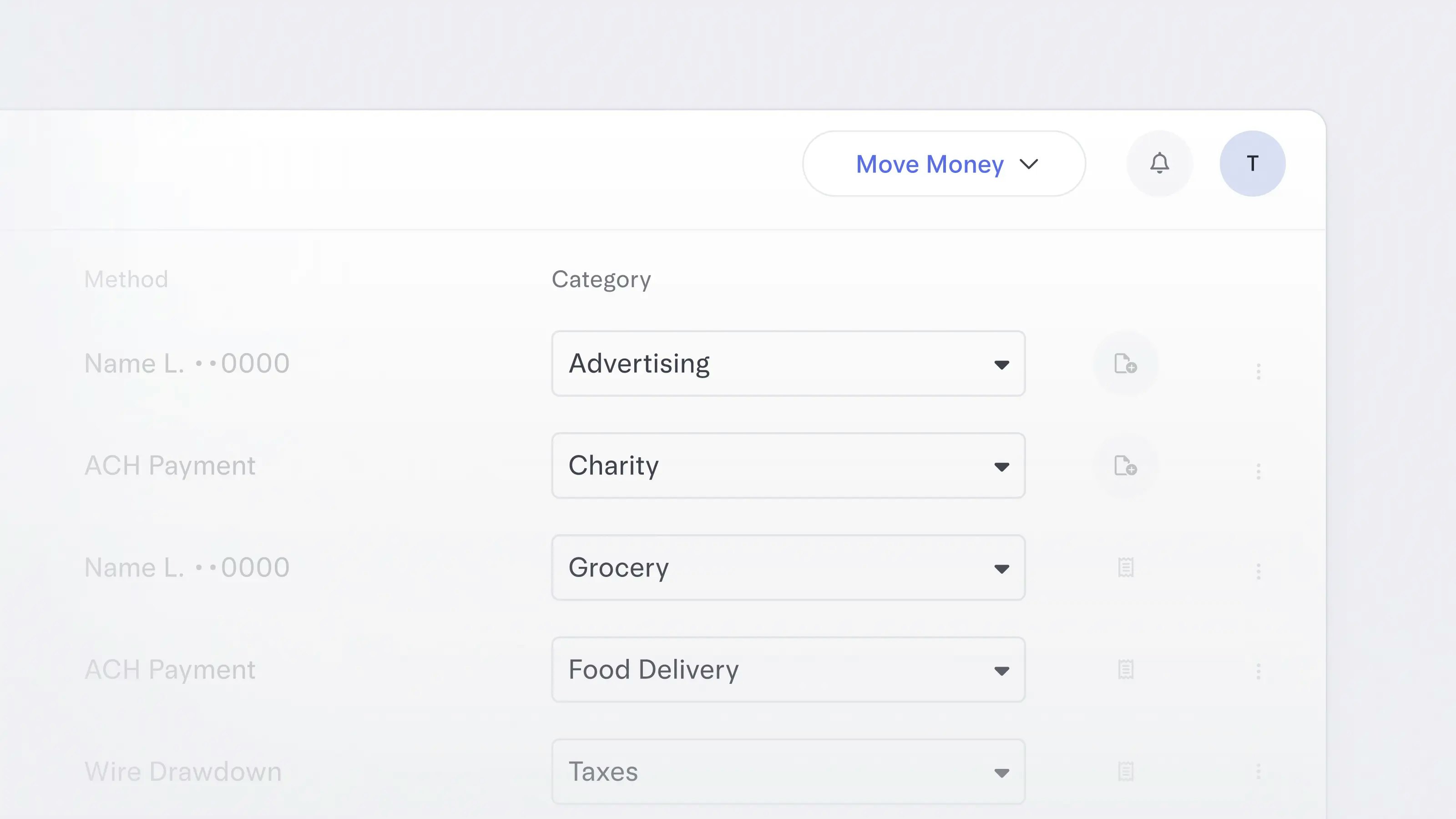
Clean up categories in a click
Editing transactions just got even less time-consuming. Now, you can select multiple at once to apply categories and GL codes, add attachments and notes — all in a few clicks.
Nov 10, 2025
Nov 4, 2025
Take categorization off your to-do list
Get back hours spent categorizing transactions and minimize manual errors before they happen. Mercury now learns from your categorization history to automatically apply GL codes to your transactions, so you have one less thing to do.This feature is only available to Mercury customers with enriched accounting integrations.
Nov 3, 2025
Get paid in seconds, 24/7/365
With real-time payments (RTP), you can receive payments in seconds, even outside of banking hours. This includes faster payments from participating banks as well as payment processors like Stripe, Amazon, and Square.
RTP is currently available to customers with accounts on Column, N.A. To find out which partner bank your account is on, log in and go to the “Accounts” page, click on an account to view its details, and you’ll see the partner bank on the right-hand side of the screen.
If you don’t have an account on Column, N.A. yet, you can join our waitlist to kick off the process.
RTP is currently available to customers with accounts on Column, N.A. To find out which partner bank your account is on, log in and go to the “Accounts” page, click on an account to view its details, and you’ll see the partner bank on the right-hand side of the screen.
If you don’t have an account on Column, N.A. yet, you can join our waitlist to kick off the process.
31–40 of 80