Filter Menu
Apply filters to the table, click close when done
Expense Management
+1 more
Expense Management
Jun 5, 2025
Creating your own categories for employee expenses
Define your own transaction categories based on the categories that matter to your business, then choose where and how you surface them to employees to streamline accounting. Now you can create categories that reflect your company’s policies — whether that’s “Conference Travel” or “Health & Wellness” — and map them to GL codes to automate categorization.
Create categories from your dashboard by heading to Settings > Categories. Choose where they appear for employees — for reimbursements, card transactions, and more.
Create categories from your dashboard by heading to Settings > Categories. Choose where they appear for employees — for reimbursements, card transactions, and more.
May 15, 2025
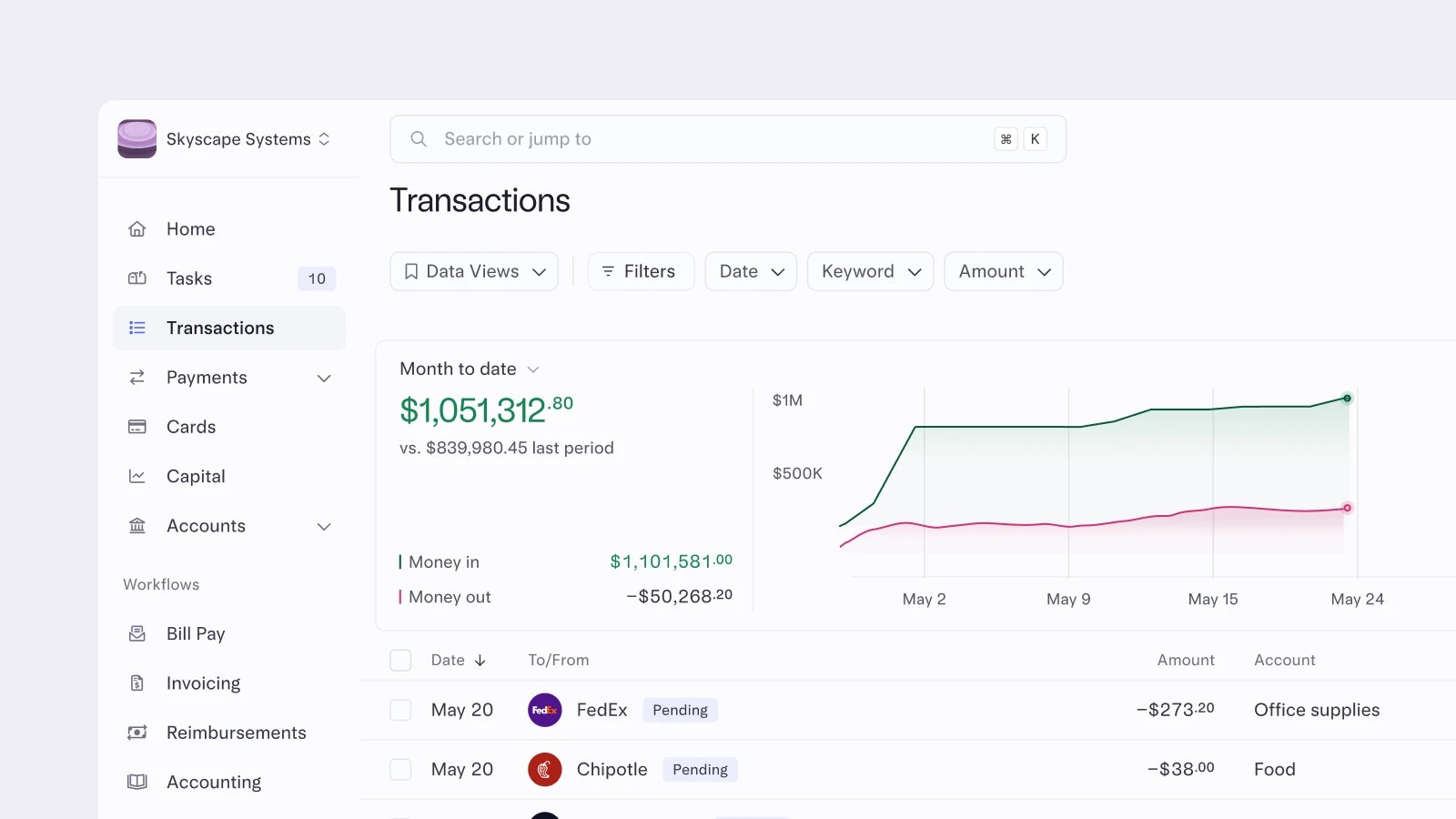
Visualizing your cashflow
The Transactions page in Mercury just got an upgrade. You’ll now see real-time graphs showing your monthly cashflow and spend broken down by top vendor, category, account, or card – front and center. These data visualizations update dynamically as you filter your transaction data, so you’re always looking at what matters.
We’ve also added grouping and sorting tools, giving you even more control over how you analyze your transactions. Paired with Data Views, it’s now easier than ever to spot spending trends and keep a closer eye on your cashflow – without jumping between spreadsheets.
To see your cashflow insights, open your Transactions page. You’ll be able to Group or Sort data under the Customize menu in the top right.
We’ve also added grouping and sorting tools, giving you even more control over how you analyze your transactions. Paired with Data Views, it’s now easier than ever to spot spending trends and keep a closer eye on your cashflow – without jumping between spreadsheets.
To see your cashflow insights, open your Transactions page. You’ll be able to Group or Sort data under the Customize menu in the top right.
May 15, 2025
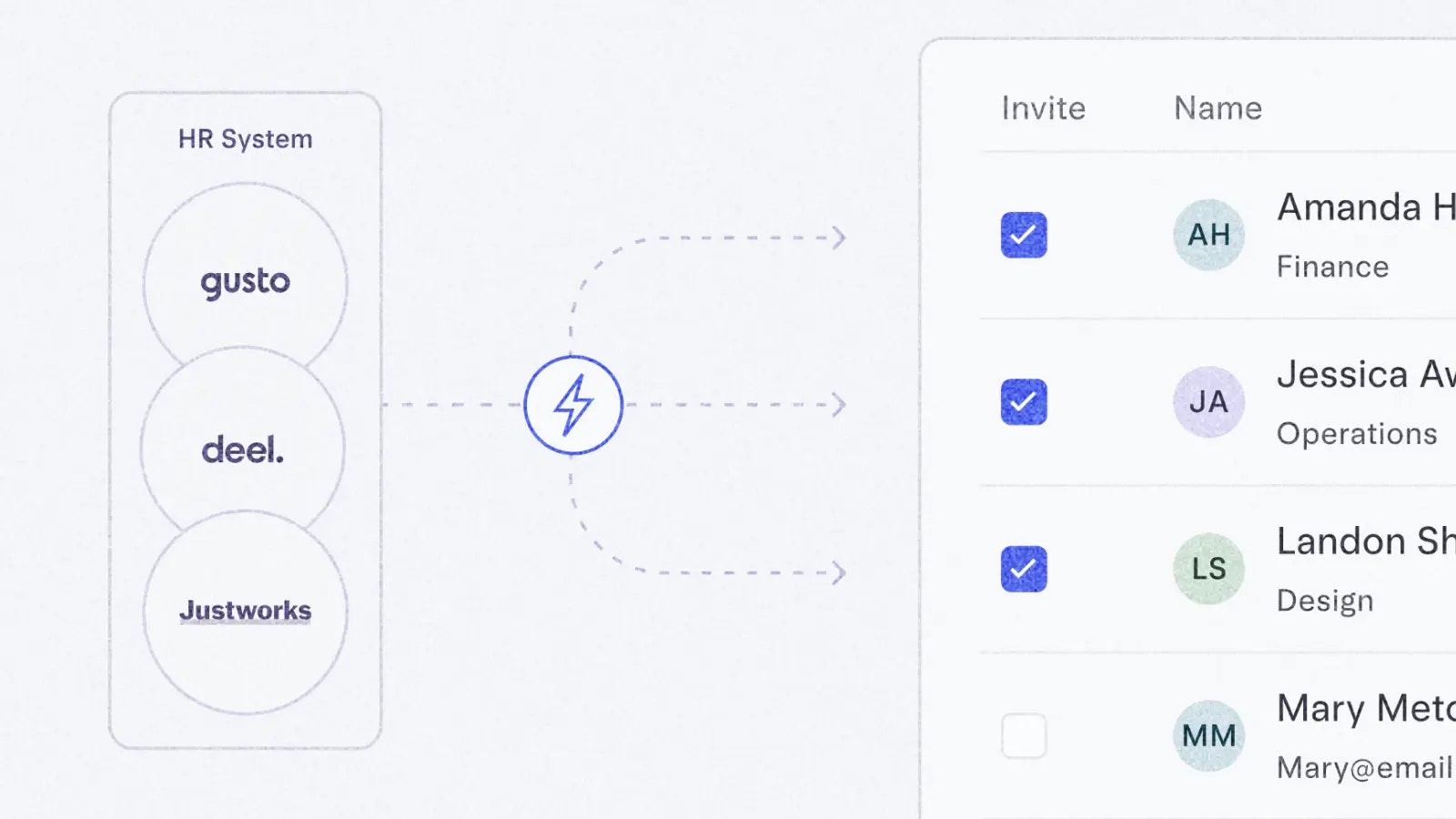
Linking payroll and HR with your Mercury account
You can now integrate Mercury directly with your HR and payroll systems (like Gusto, Deel, and Justworks) to:
Want to see and learn more? Head to the Integrations page in Settings and click “Team Management.”
- Invite all (or just some) teammates, customize their roles and permissions, and issue cards with tailored limits and controls.
- Keep your team up to date with synced employee details (like title and department changes) so your team’s information is consistent.
- Streamline personnel changes with automatic offboarding prompts when employees leave your company so they’re removed from your Mercury accounts.
Want to see and learn more? Head to the Integrations page in Settings and click “Team Management.”
May 15, 2025
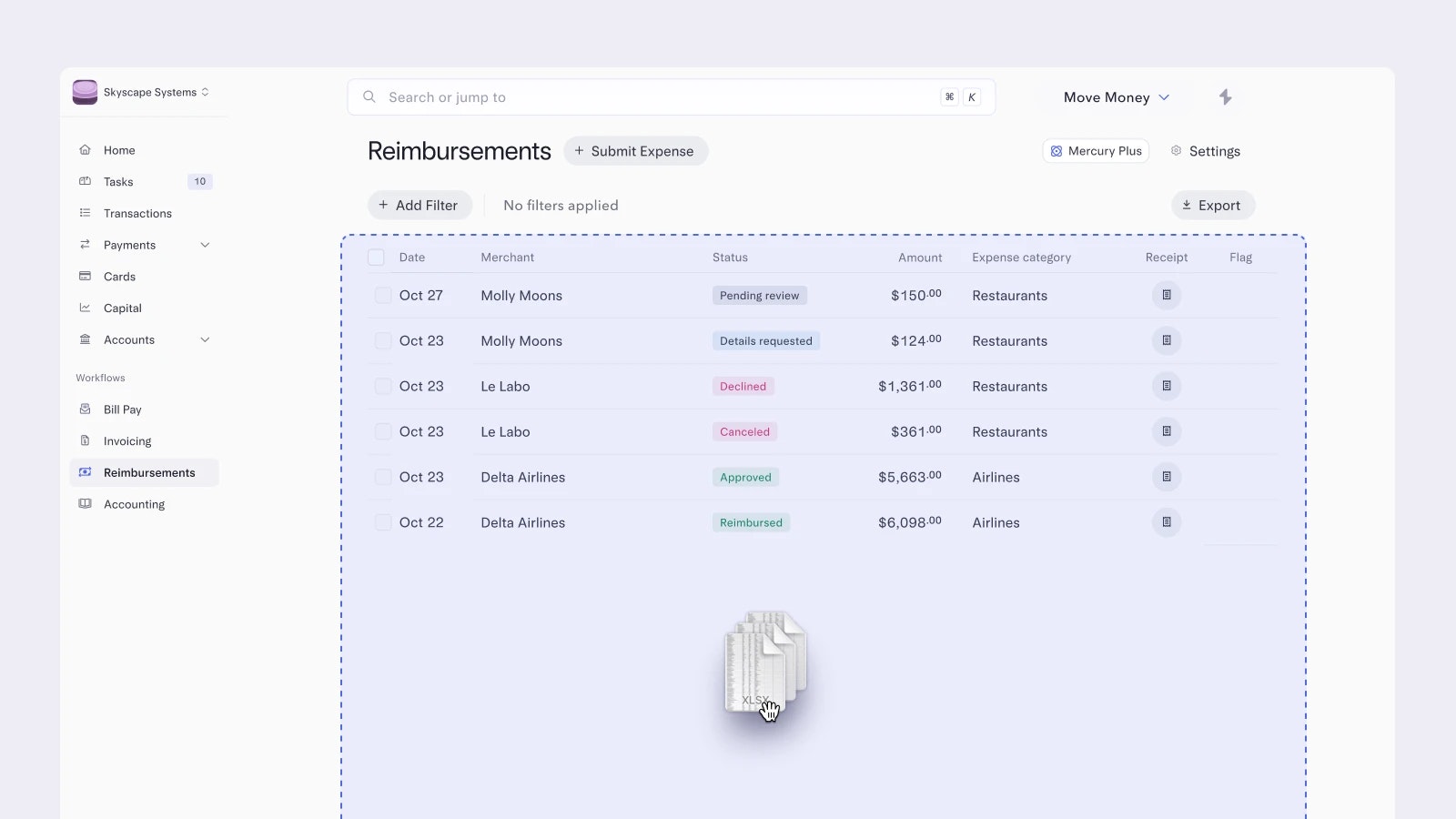
Submitting multiple reimbursements at once
You’re back from a trip and need to submit multiple expenses for reimbursement… but who has the time? We’ve got you. You can now upload all your receipts at once and we'll automatically scan them for the amount, merchant, and date. From there, you can review each individually before submitting, or bulk-edit them to select a category and add notes for all of them at the same time.
Head to your Reimbursements page and click “Submit Expense” to see for yourself.
Head to your Reimbursements page and click “Submit Expense” to see for yourself.
May 1, 2025
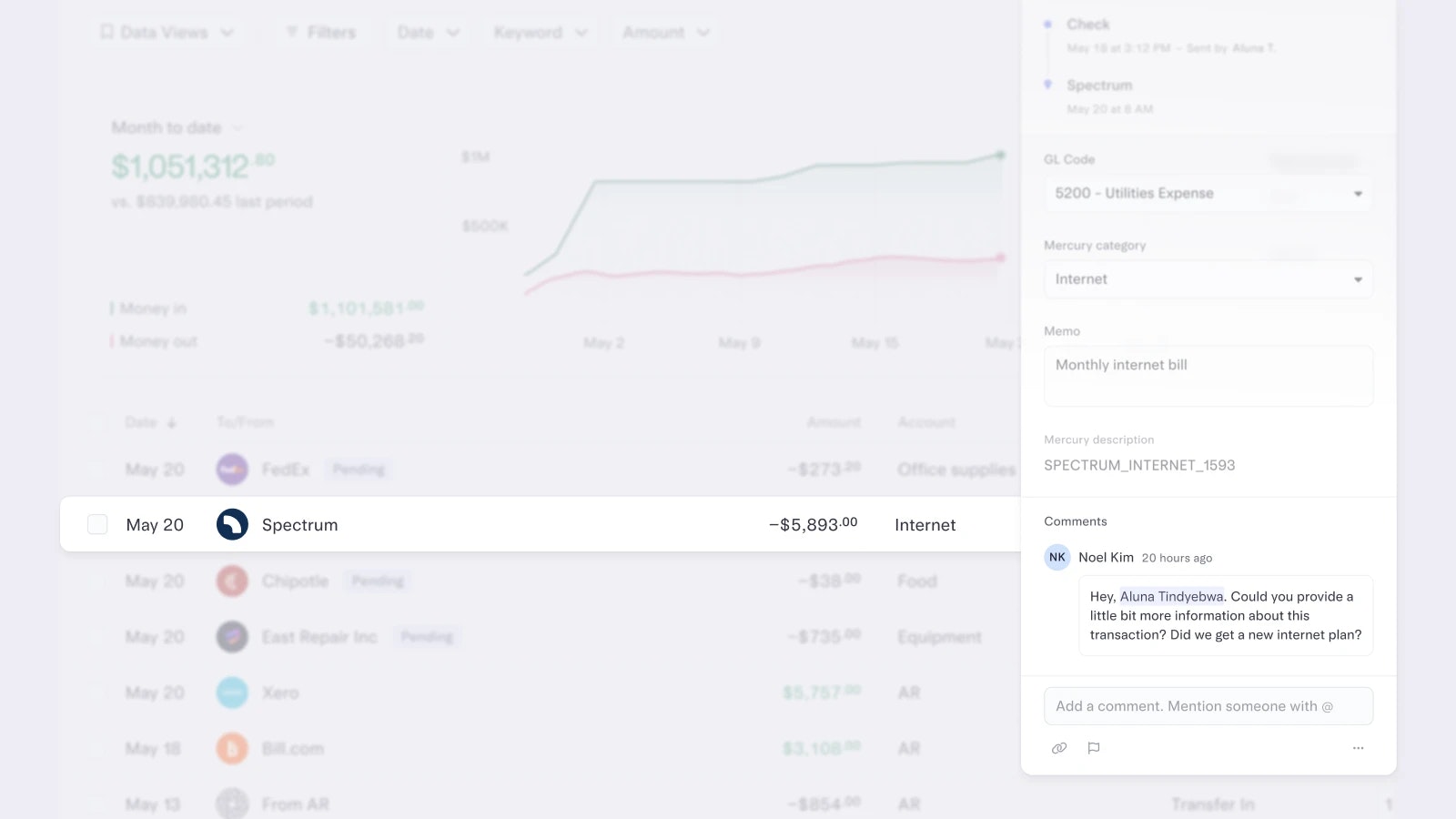
Commenting directly on transactions
Sometimes your accounting team needs a bit more context about certain expenses. That’s their job, after all. Well, no more chasing down info over email, Slack, or text — with Mercury, they can comment directly on transactions and @-mention teammates to ask questions or request details.
Click on any transaction on your Transactions page to open up the details card and click on the Comment field.
Click on any transaction on your Transactions page to open up the details card and click on the Comment field.
Apr 15, 2025
More precise accounting permissions
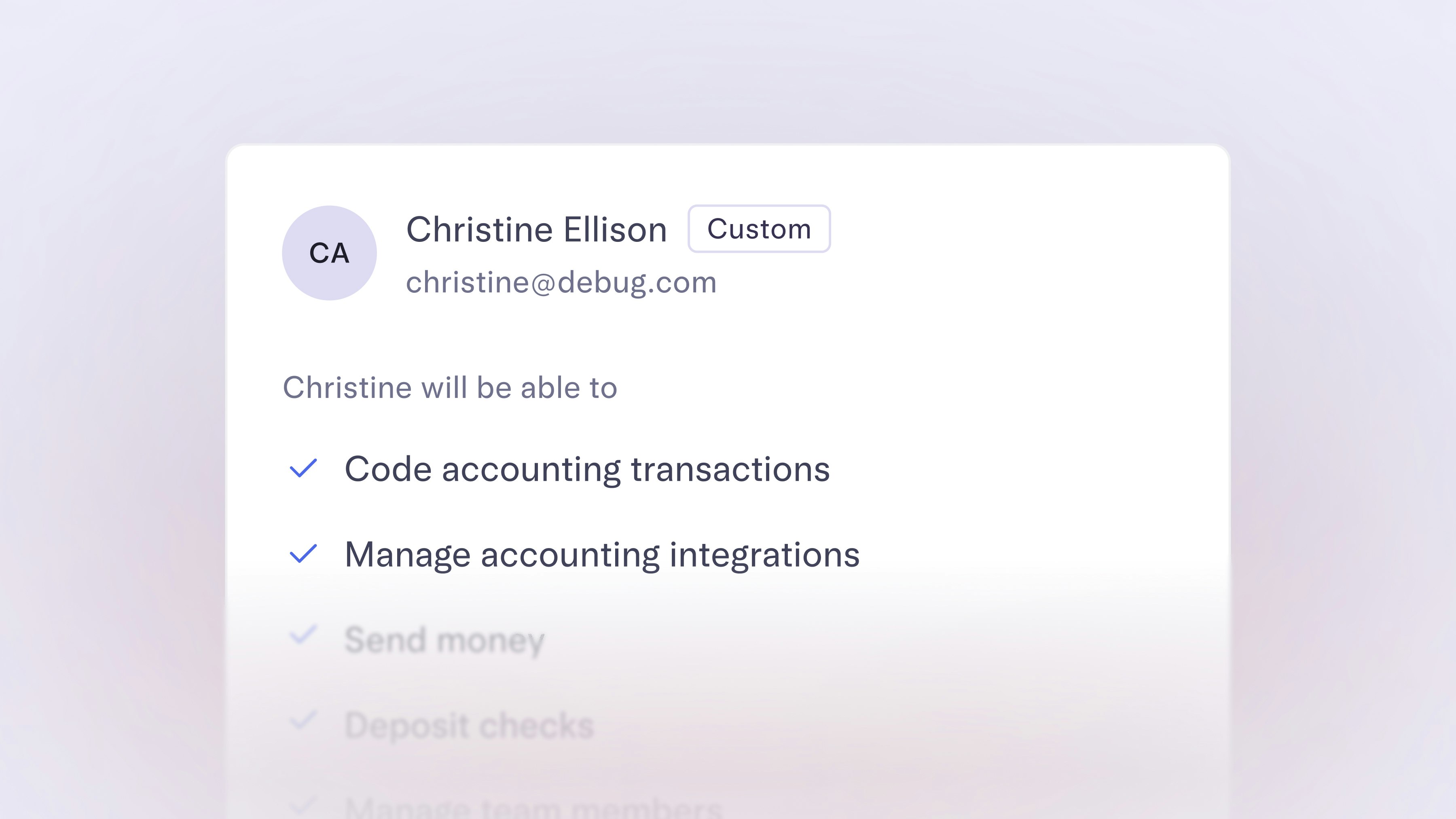
You can now give Custom users access to accounting-specific tasks, without granting full permissions. With the latest set of controls, they’ll be able to take on workflows like categorizing transactions by GL code, setting up automation rules, as well as managing integrations.
To start managing permissions for custom users, head to your Team page in Settings.
To start managing permissions for custom users, head to your Team page in Settings.
Feb 15, 2025

Match receipts and card transactions automatically
With automatic receipt matching for card transactions, you and your team can forward receipts to receipts@mercury.com or upload them in-app. We’ll automatically match them with the corresponding transaction based on the merchant, amount, and timestamp. This makes it easier for your team to stay compliant if you have a company receipt policy.
To upload a receipt, head to your Transactions page and click “Match receipts” or scan them in the mobile app and we’ll match them all at once. Learn more in our help center article.
To upload a receipt, head to your Transactions page and click “Match receipts” or scan them in the mobile app and we’ll match them all at once. Learn more in our help center article.
11–17 of 17