Filter Menu
Apply filters to the table, click close when done
Accounting Automations
+1 more
Accounting Automations
Apr 15, 2025
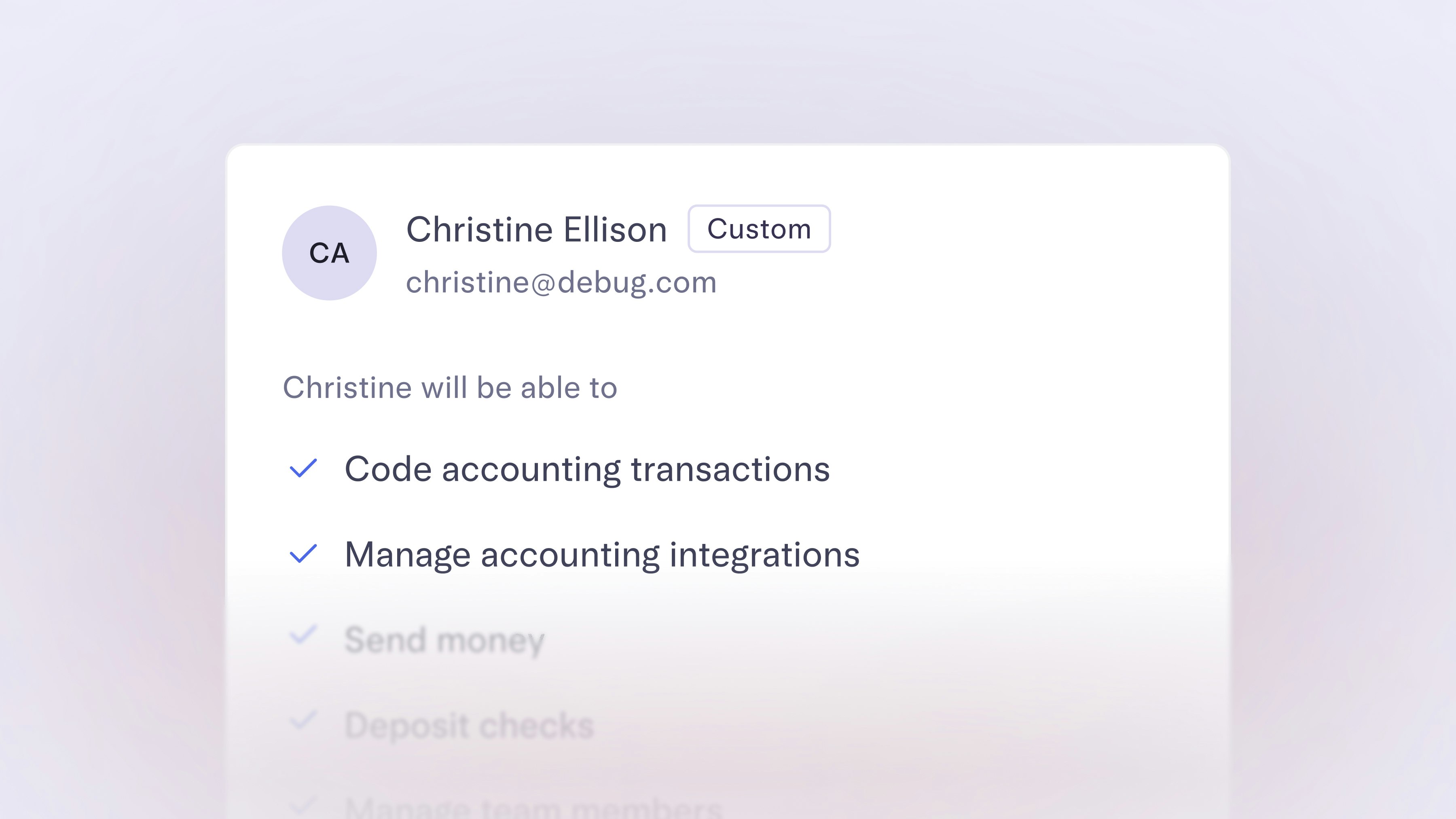
More precise accounting permissions
You can now give Custom users access to accounting-specific tasks, without granting full permissions. With the latest set of controls, they’ll be able to take on workflows like categorizing transactions by GL code, setting up automation rules, as well as managing integrations.
To start managing permissions for custom users, head to your Team page in Settings.
To start managing permissions for custom users, head to your Team page in Settings.
Apr 1, 2025

Accountants, meet your new client dashboard: Advisor Portal
The new Advisor Portal is here to make life easier for our Mercury for Accountants partners. This all-in-one tool helps accounting firms manage both their teams and their clients — right from one streamlined dashboard.
Here’s what you can do with Advisor Portal:
If you have bookkeeper permissions or are part of an accounting firm, keep an eye out for an invitation in your Mercury dashboard to create your Portal.
Here’s what you can do with Advisor Portal:
- See all your clients in one place. Add, remove, and access accounts from your accountant dashboard.
- Assign clients to specific team members to control access to company data. Plus, set custom permission levels for each team member.
- Save time spent downloading statements by batch downloading them for all clients in one bulk file.
If you have bookkeeper permissions or are part of an accounting firm, keep an eye out for an invitation in your Mercury dashboard to create your Portal.
Mar 1, 2025
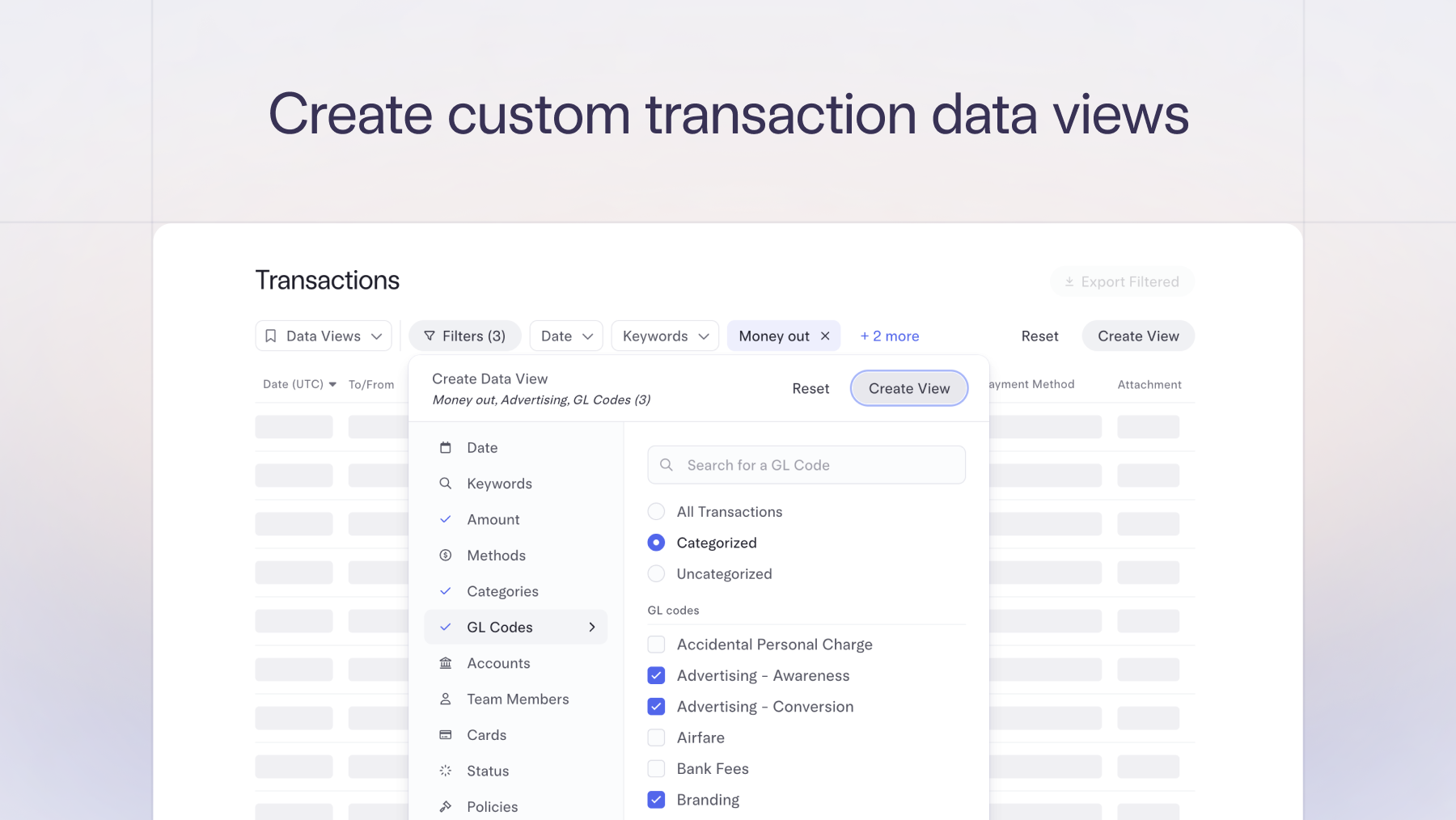
Filter and track recipient payments with ease
The new and improved Recipients page lets you quickly see the total amount paid to each of your recipients, sort for top vendors, and filter by year — perfect for collecting essential tax documents and keeping an eye on vendor spend.
Feb 15, 2025
Split bills with multiple GL codes
Split bills with multiple GL codes. After you upload a bill or invoice, we will split the line items, and you’ll have the option to assign one or multiple GL codes to each. After the bill payment is made, it will automatically sync to your accounting software for more accurate and faster reconciliation. Next time you upload a bill, toggle on single or multiple GL codes on the Accounting Details screen. Available to Mercury Plus/Pro subscribers who have accounting integrations with either QuickBooks or NetSuite.
11–14 of 14