Filter Menu
Apply filters to the table, click close when done
Accounting Automations
+1 more
Accounting Automations
Jun 22, 2026
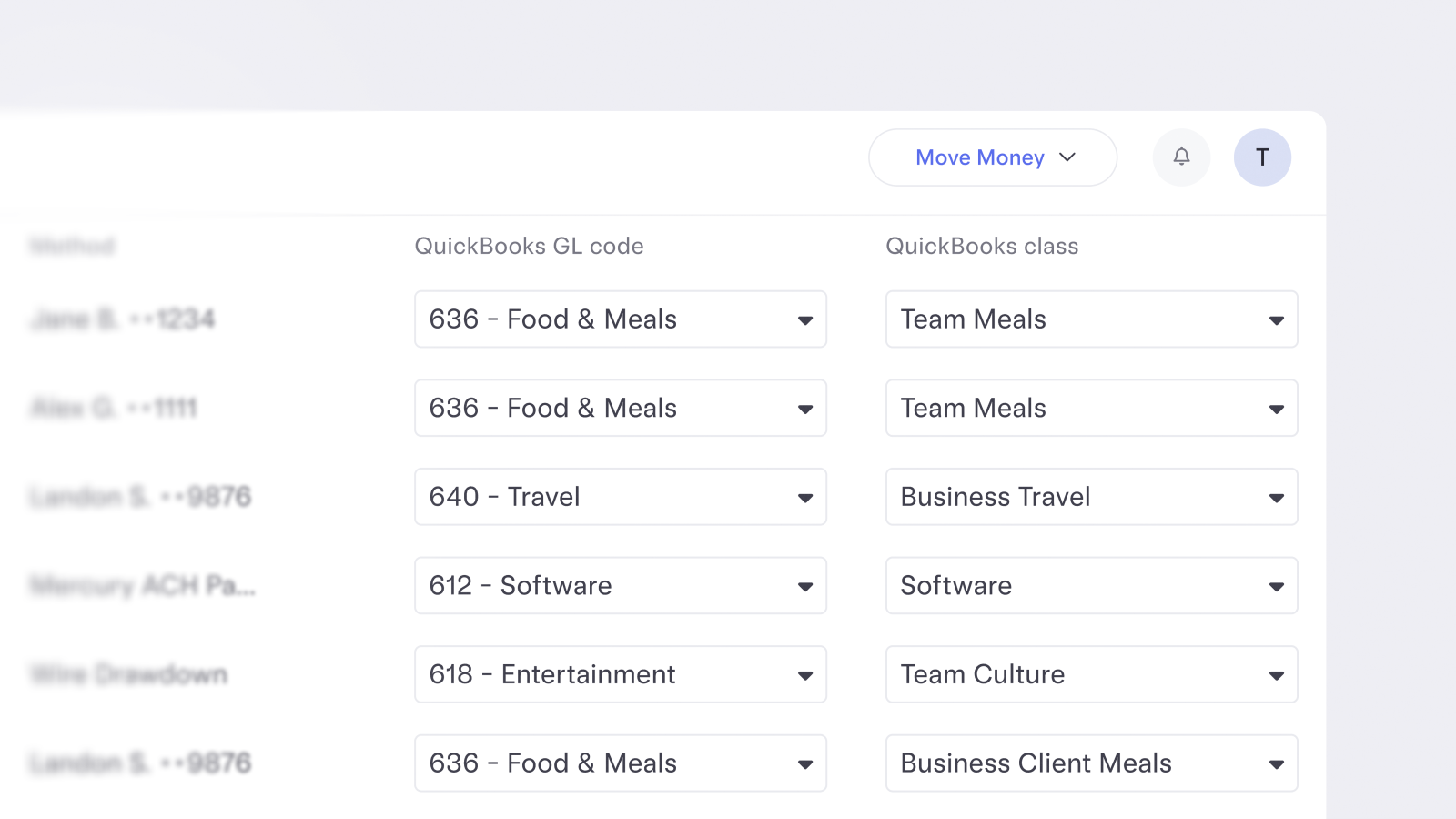
Enrich transactions with classes
You can now apply classes when sending money or submitting reimbursements in Mercury. This way, transactions land in your accounting software already structured the way you need them, without extra cleanup later.
Mar 11, 2026
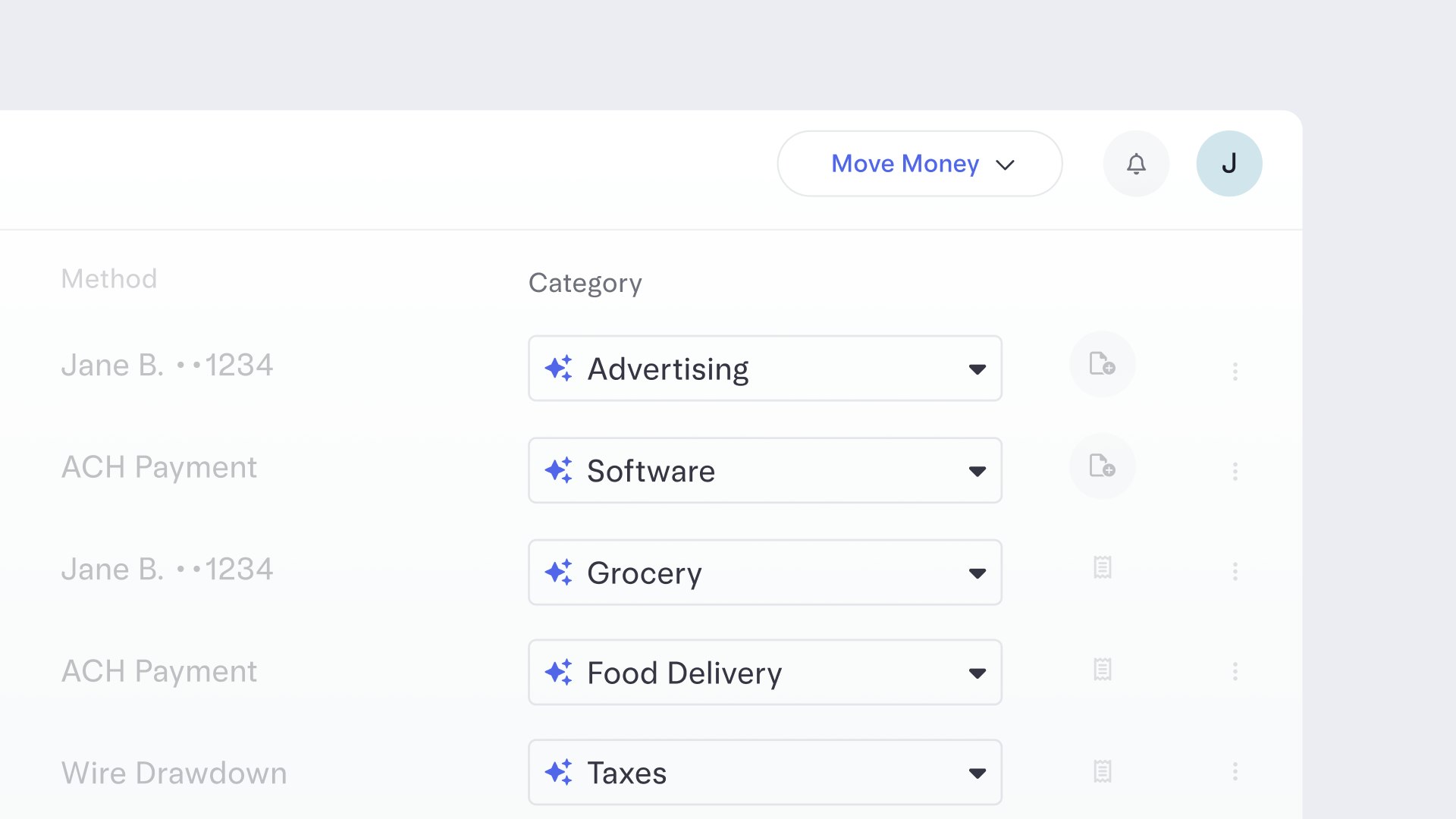
Transactions, now categorized for you
We now automatically categorize your transactions, no extra work required. That means clearer visibility into where your money is going and which categories are driving costs, so you can spot patterns and opportunities to optimize faster. You’re always in control: review, approve, or edit any suggested category at any time. And the more you adjust, the smarter Mercury gets over time.
Jan 1, 2026
File 1099s right in your account
If your business paid a vendor or contractor more than $600 in 2025, you may need to file a 1099, which you can now do directly inside your Mercury account without any separate tools or exports.
Just head to the new Taxes section under Payments in your Mercury dashboard, where you can manage all your recipient profiles and request W-9s, auto-fill 1099 forms with existing payment data, file federal and state 1099 forms, and even track, edit, void, or resubmit forms. Mercury Plus and Pro subscribers can even file federal and state 1099-NECs and MISCs for free.
Just head to the new Taxes section under Payments in your Mercury dashboard, where you can manage all your recipient profiles and request W-9s, auto-fill 1099 forms with existing payment data, file federal and state 1099 forms, and even track, edit, void, or resubmit forms. Mercury Plus and Pro subscribers can even file federal and state 1099-NECs and MISCs for free.
Nov 17, 2025
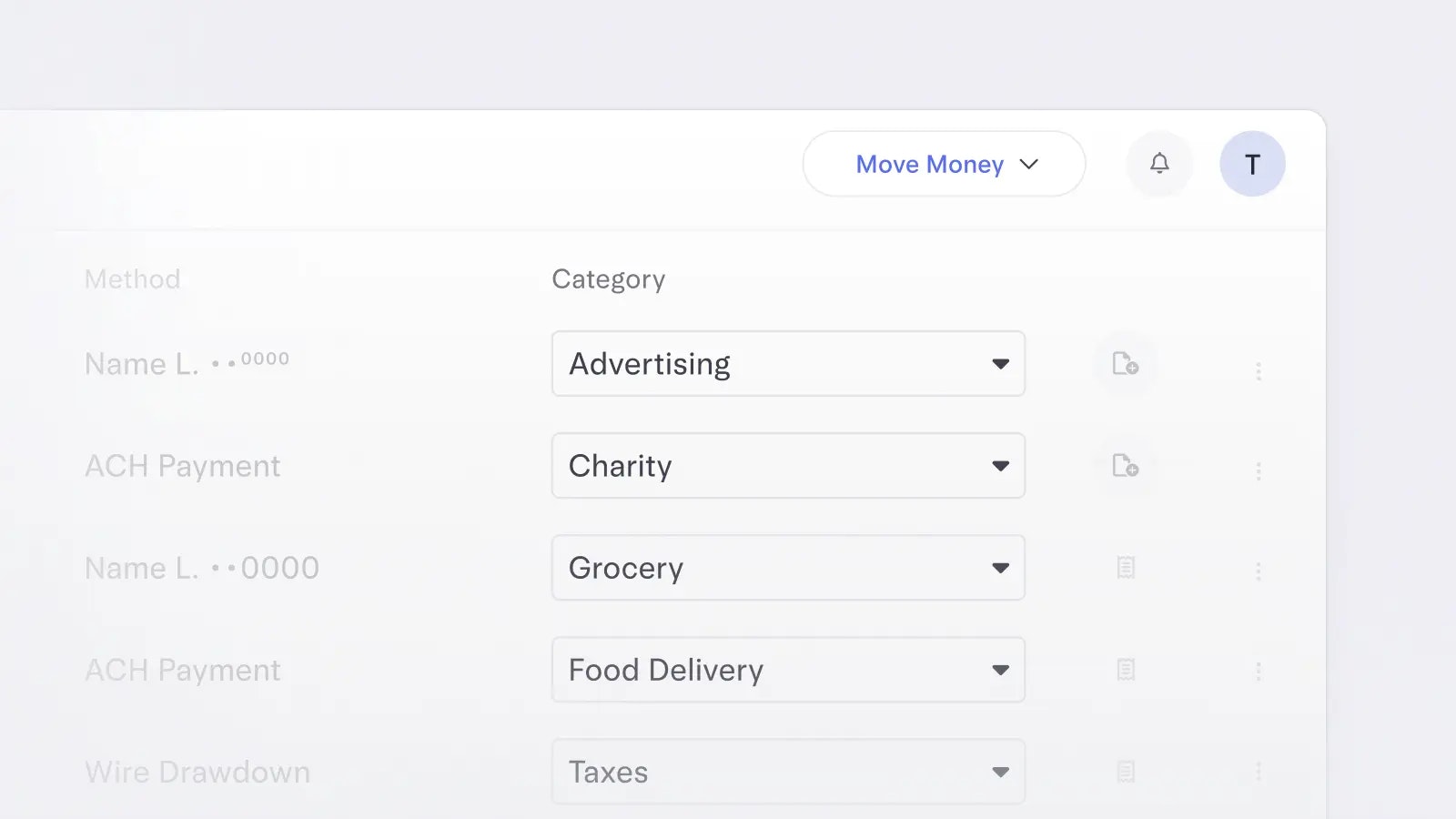
Grouping transactions into categories
Grouping transactions into specific categories in your Mercury account gives you another layer of financial insight. Even if you haven’t connected your accounting software yet, you can still use categories to know exactly what your money is doing and where it’s going.
Nov 10, 2025
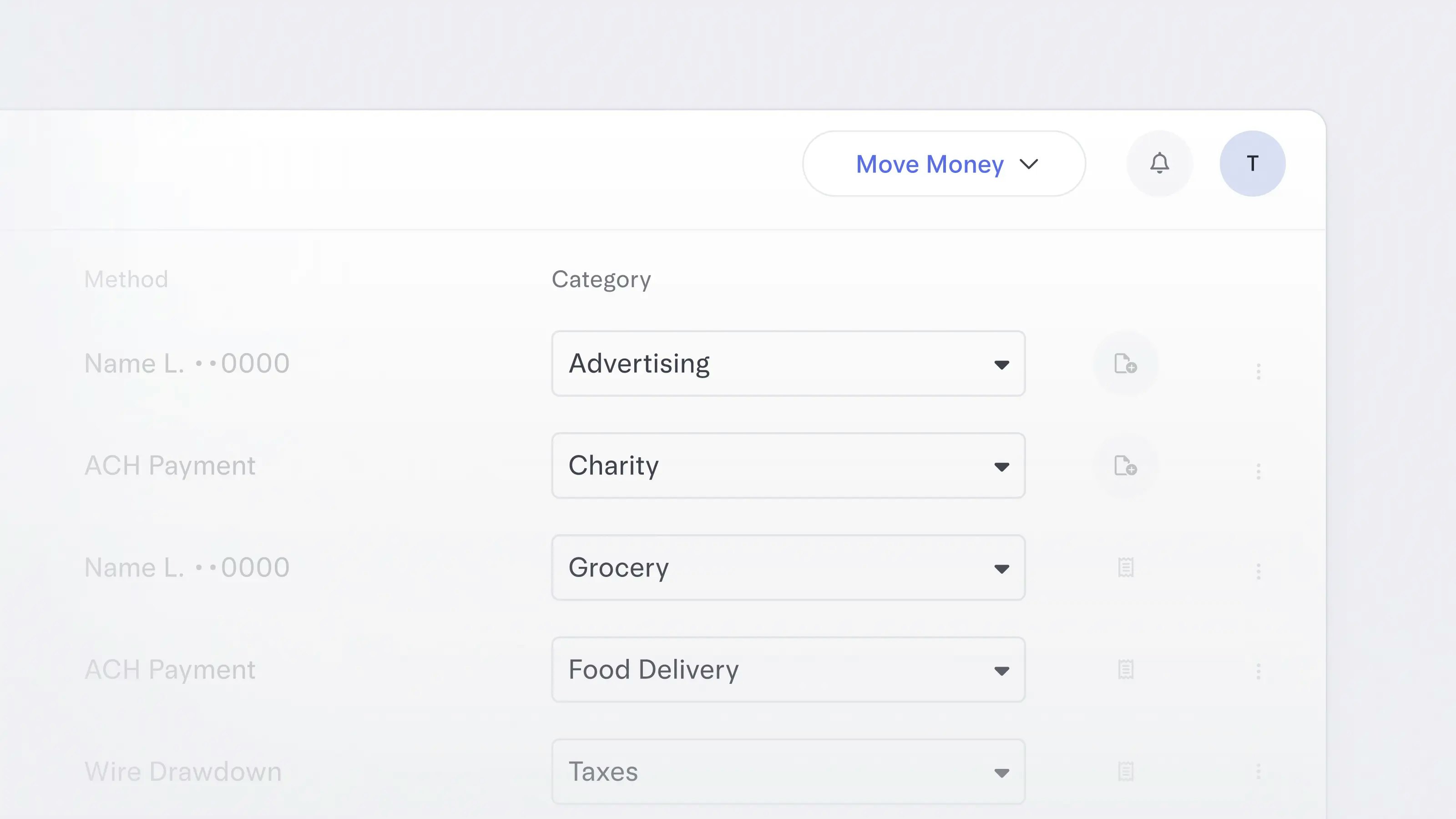
Clean up categories in a click
Editing transactions just got even less time-consuming. Now, you can select multiple at once to apply categories and GL codes, add attachments and notes — all in a few clicks.
Nov 4, 2025
Take categorization off your to-do list
Get back hours spent categorizing transactions and minimize manual errors before they happen. Mercury now learns from your categorization history to automatically apply GL codes to your transactions, so you have one less thing to do.This feature is only available to Mercury customers with enriched accounting integrations.
Oct 30, 2025
Download receipts in bulk
Individual receipts weighing you down? Download them in bulk for any date range — perfect for accounting, tax prep, and maintaining a clean paper trail.
Aug 29, 2025

More ways to search transactions
Mercury now lets you search transactions across your accounts using natural language in addition to filters. Simply type questions or criteria like “all transactions over $1K in the past 30 days” into the search bar for instant, AI-powered results.
Aug 1, 2025
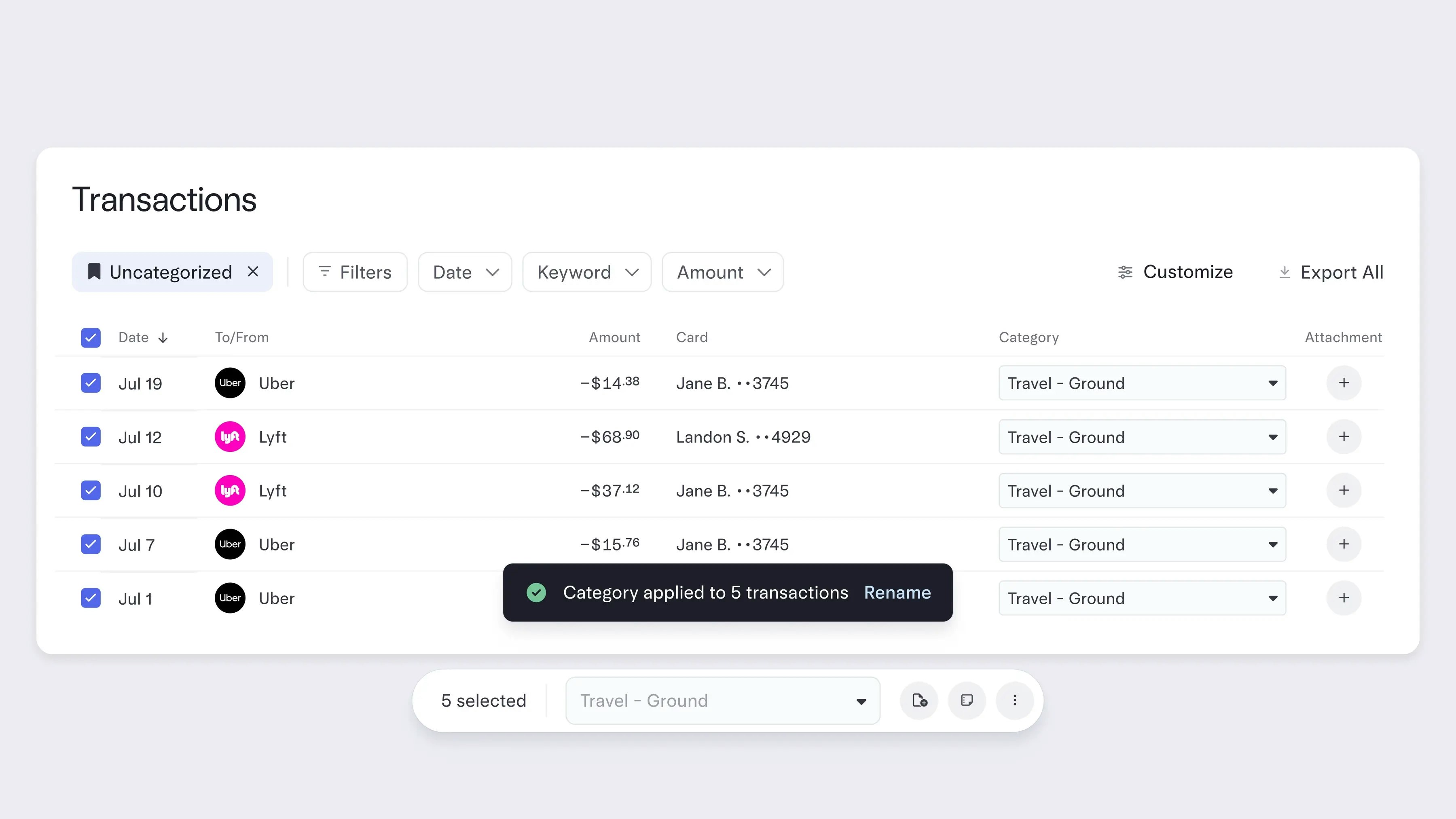
Categorizing transactions in bulk
Now you can bulk edit categories and GL codes across multiple transactions at once on your Transactions page. Clean up and enrich your data in seconds, not hours — and streamline your month-end close.
This joins our recent Transactions page upgrades, including real-time cashflow graphs, interactive money movement breakdowns, spreadsheet-style controls, and one-click Data Views. Your Transactions page is now a single source of financial truth that helps you make business decisions faster.
Check out our blog post for a deep dive on what else is new to your Transactions page.
To make light work of cleaning up your transaction data, head to your Transactions page and select the boxes of the transactions you wish to edit, then select the GL code or category in the field below.
This joins our recent Transactions page upgrades, including real-time cashflow graphs, interactive money movement breakdowns, spreadsheet-style controls, and one-click Data Views. Your Transactions page is now a single source of financial truth that helps you make business decisions faster.
Check out our blog post for a deep dive on what else is new to your Transactions page.
To make light work of cleaning up your transaction data, head to your Transactions page and select the boxes of the transactions you wish to edit, then select the GL code or category in the field below.
Jun 15, 2025
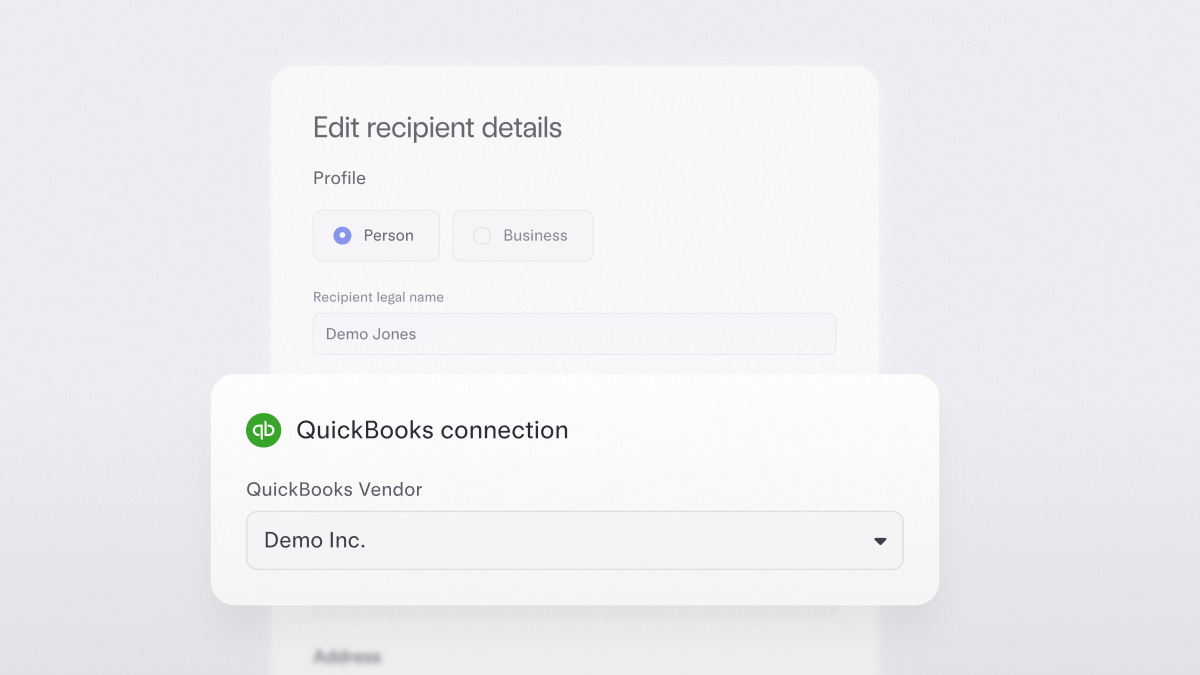
Syncing vendor details with ease
No more jumping between platforms to fix a name or match a record. As you create recipients or make bill payments in Mercury, you can also match vendor details or create and sync new vendors to QuickBooks Online or NetSuite. That means fewer duplications, cleaner 1099s, and more confident books
Available for customers that have integrated Mercury with QuickBooks Online or NetSuite.
Available for customers that have integrated Mercury with QuickBooks Online or NetSuite.
01–10 of 14